Dark mode is available now
-
To make our site more accessible, we have added the dark mode. You can turn it on/off this way:
-
Click on the top right dropdown under your user name, and select “Profile”
-
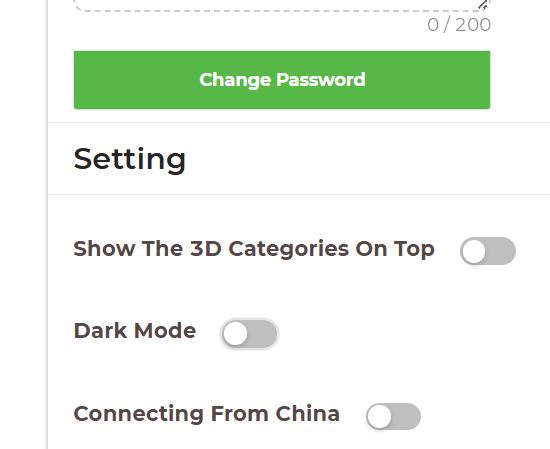
In the profile page, scroll down to the settings section, and toggle the “Dark Mode” button:
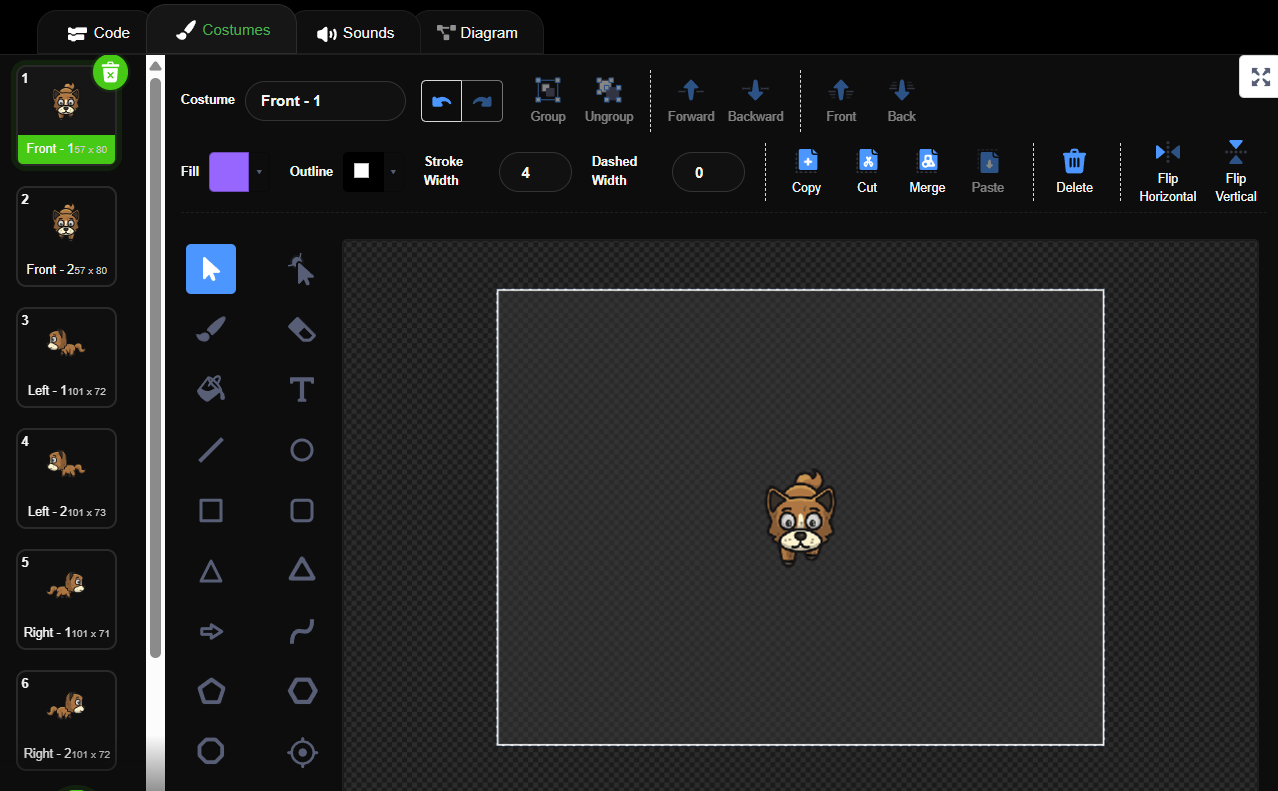
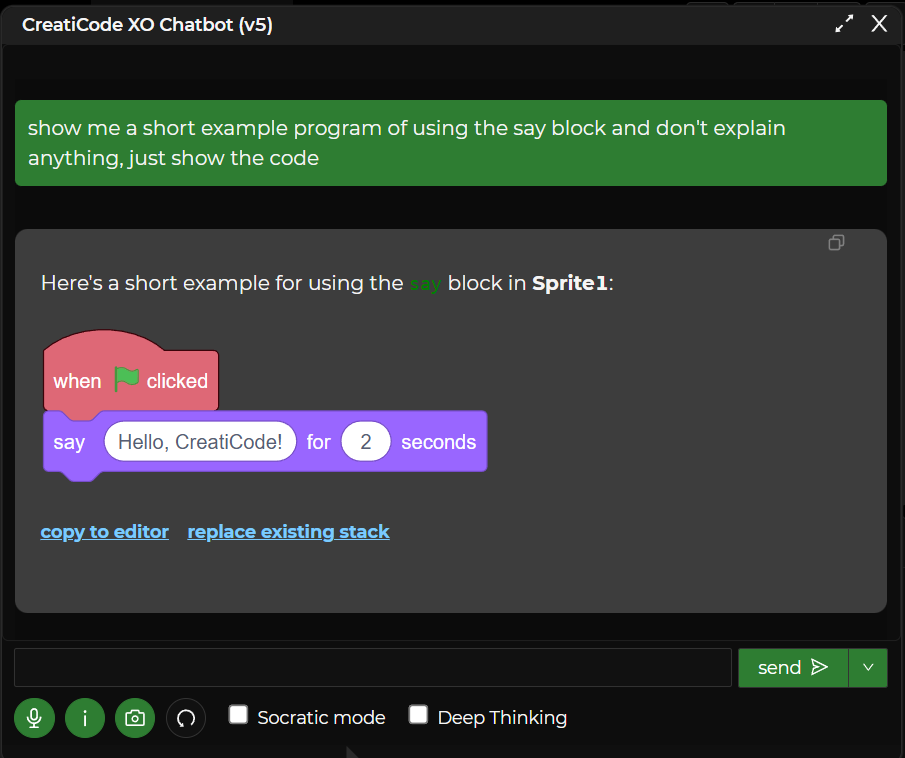
Here is what it looks like:


-
-
Note that you can easily customize both the lite and dark modes in the Profile page now:

